
Gaming monitors · 34-inch ultrawide
34-Inch Curved Ultrawide Mini-LED Monitors
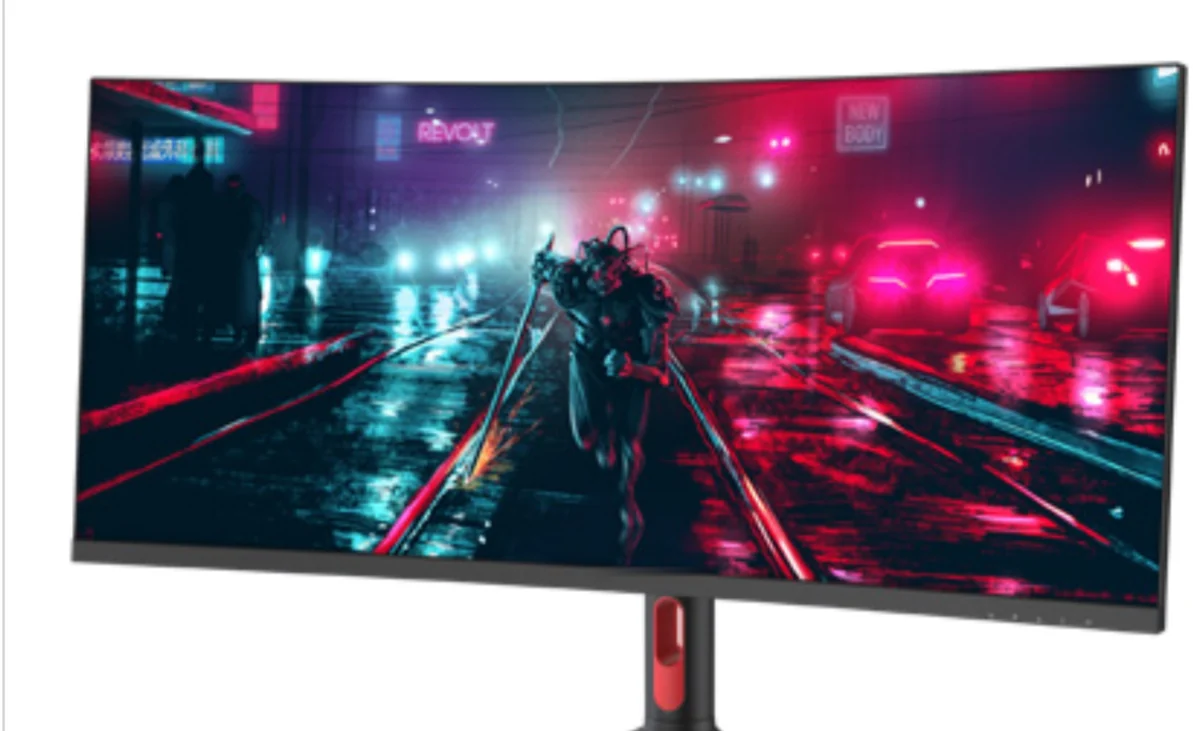
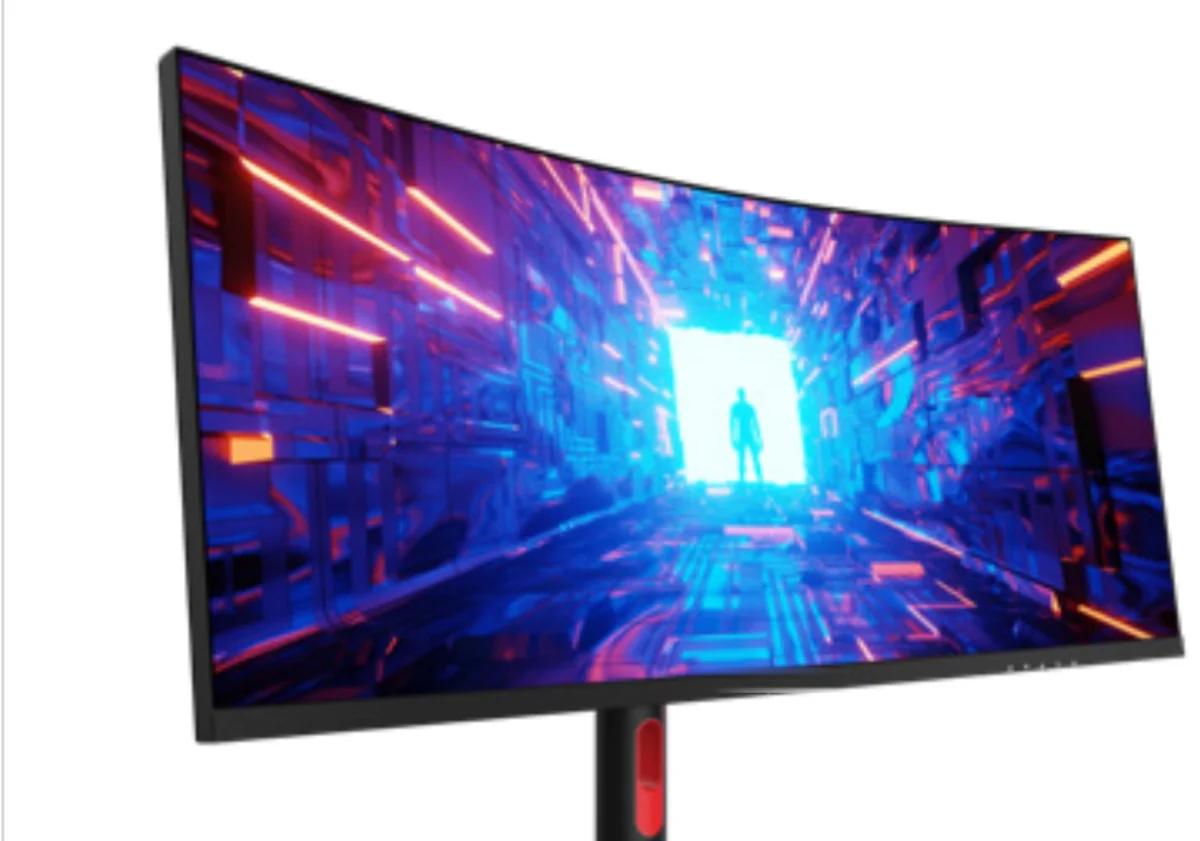
Two models on a 34″ 21:9 VA panel curved to R1500, both WQHD 3440 × 1440 at 165 Hz. The difference is the backlight: 756 zones and a 1400-nit peak, or 2304 zones and 2000 nits — the highest specification in our range.
Standard or Pro
Same panel, same curve, same ports, same stand. One specification line separates them, and it is the one that costs money: the Pro has three times the dimming zones and 600 more nits of HDR peak brightness.
| M34HWW-ST | M34HWW-Pro | |
|---|---|---|
| Dimming zones | 756 | 2304 |
| HDR | HDR 1000 | HDR 2000 |
| HDR peak brightness | 1400 nits | 2000 nits |
| SDR peak brightness | 1000 nits | 1000 nits |
| Screen | 34″, 21:9, R1500 curve, VA | |
| Resolution | WQHD 3440 × 1440 | |
| Refresh rate | 165 Hz | |
| Response | 5 ms GtG | |
| Colour gamut | 97% DCI-P3 / 97% Adobe RGB, ΔE < 2.0, 16.7 million colours | |
| Static contrast | 4000:1 | |
| Ports | DisplayPort 1.4 × 1, HDMI 2.0 × 2, USB-C 65 W × 1, USB upstream × 1, USB 3.0 × 2, headphone out | |
| Speakers | 3 W × 2 | |
| RGB lighting | Yes | |
| Mounting | VESA 100 × 100 mm | |
What 2304 zones actually buys
On the 756-zone model each zone covers roughly 18 × 18 mm of screen. On the Pro it is roughly 11 × 11 mm. The visible effect is on small bright objects against dark backgrounds — a HUD element, a light source in a night scene, subtitles over black. Fewer zones means a faint halo around them; more zones shrinks it.
The 2000-nit peak follows from the same hardware: with more, smaller zones the panel can drive a small area much harder without lifting the black level around it. If your SKU is being positioned against HDR-certified competitors, this is the model that carries the claim. If it is a volume gaming SKU, the 756-zone version already looks like a Mini-LED and costs materially less.
The 21:9 curve, and when it is the wrong choice
R1500 is a tighter curve than most 34″ ultrawides, which sit at R1800 or R1900. At a normal desk distance it keeps the far edges closer to perpendicular, which is what the curve is for. It also means the panel reads as visibly curved in photographs, which matters for retail listings.
WHEN NOT TO USE ITTwo cases where it is not the right panel: multi-monitor walls, where curved units do not sit flush against each other, and any application involving straight-line reference work — CAD, layout, drafting. For those, the flat 31.5″ models are the better fit, or a custom flat panel at this size.
Request the 34″ specification sheet
Tell us which of the two, the quantity and the destination market. You get the full specification sheet, MOQ, tiered pricing and a lead time within one business day.